Sharing Entries
DearDiary.Net has two distinct sharing features with different purposes and audiences.
Shareable links
A shareable link is a unique, permanent URL that you — the diary owner — generate for a specific entry. You can then send that link to anyone you choose.
How to create one:
- Open the entry you want to share.
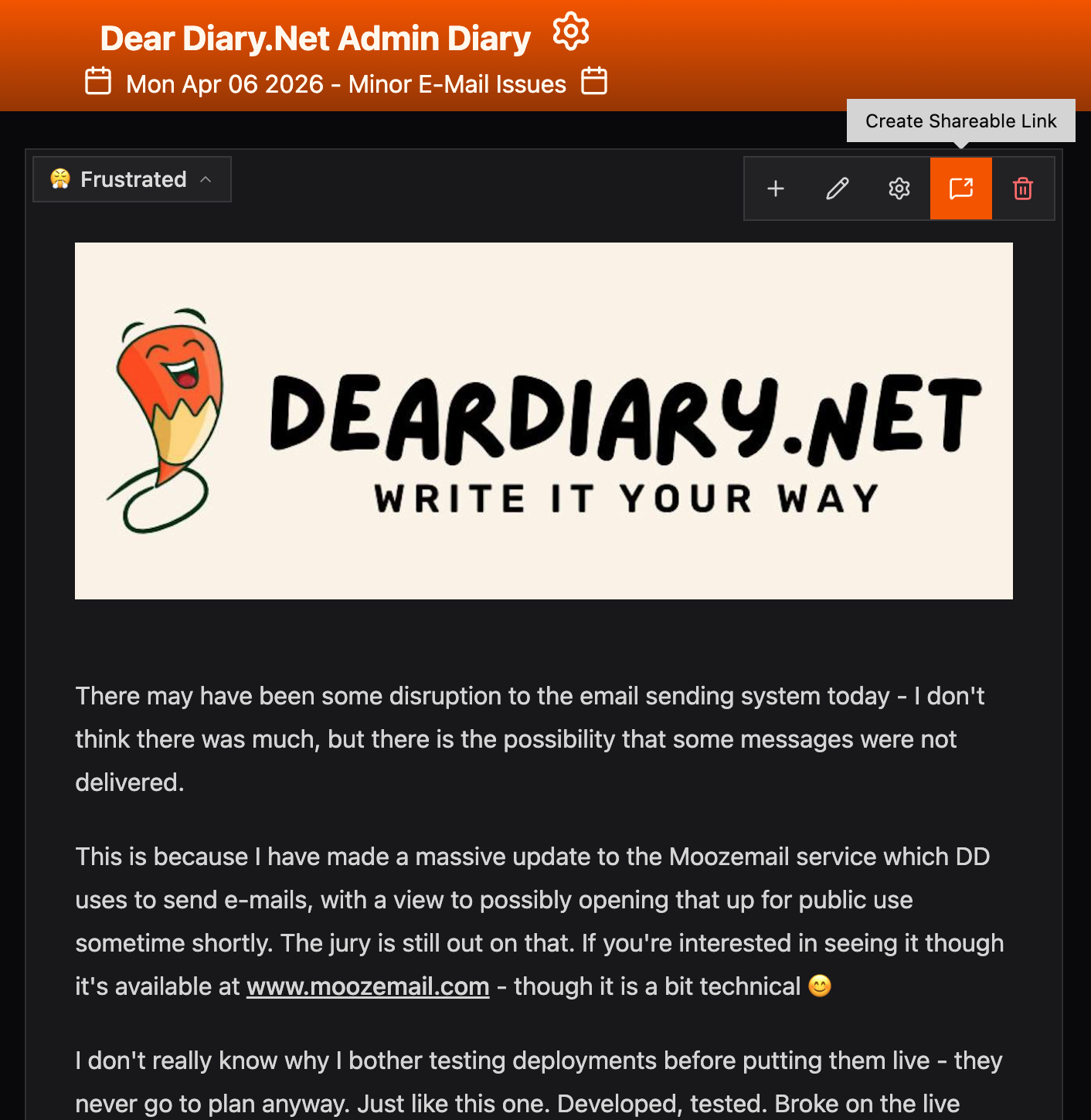
- Click the Share icon in the entry toolbar.
- The link is generated and copied to your clipboard. Click it again at any time to retrieve the same link.
Important privacy note: The link bypasses your diary's normal privacy settings. This means:
- A followers-only entry can be read by anyone with the link — they do not need to be a follower, or even have an account.
- A private entry can be read by anyone with the link — they do not need to be logged in at all.
Only share these links with people you trust to see that content. If you share the URL publicly (e.g. in a social media post), anyone will be able to read the entry.
Social share buttons
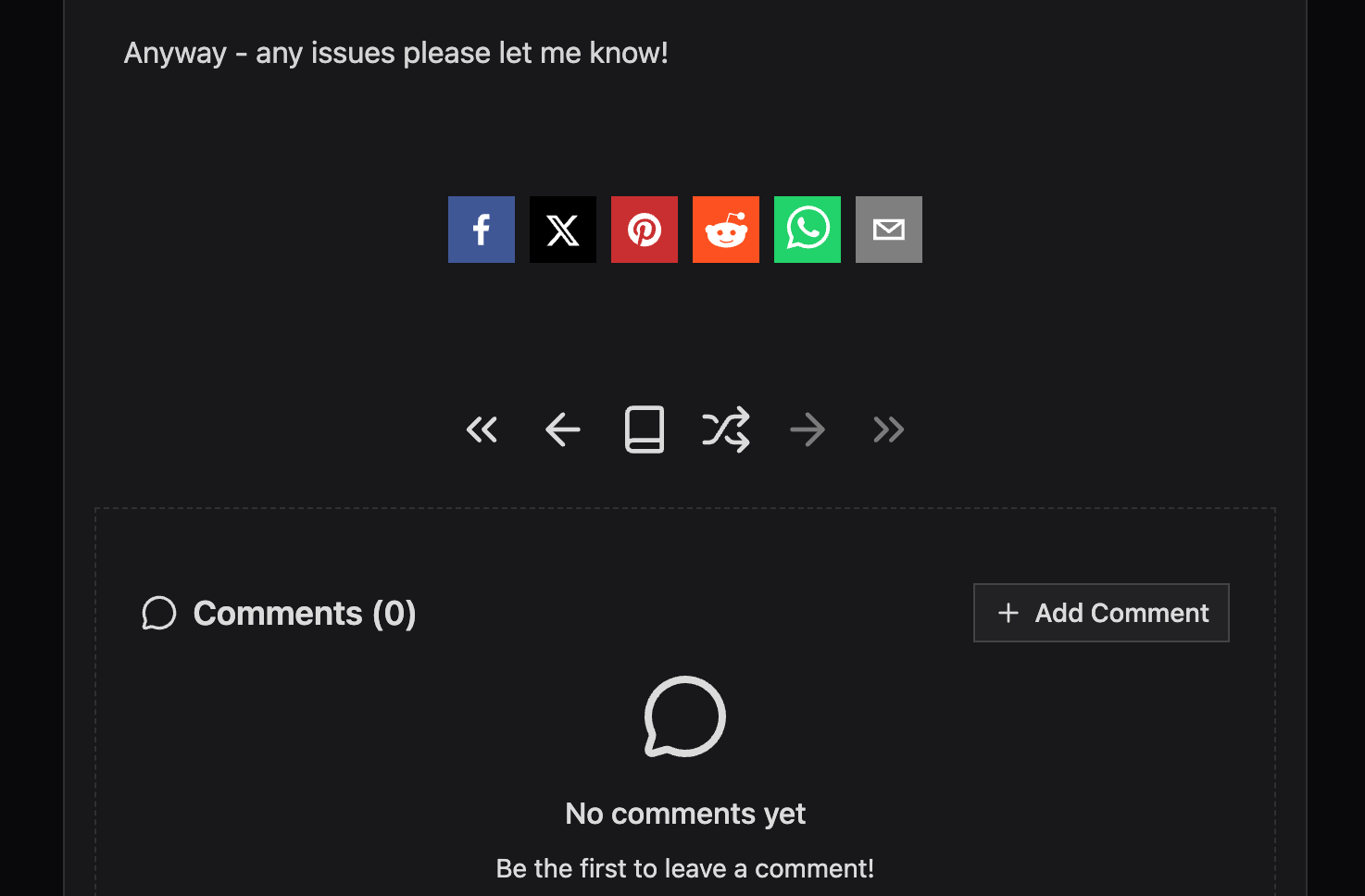
Social share buttons appear at the bottom of an entry when a reader is viewing it. They let a reader quickly share the entry on their own social media accounts — Facebook, X (Twitter), Pinterest, Reddit, WhatsApp, or by email.
These buttons are for your readers, not for you as the diary owner. They only appear on public entries and only when you have them enabled for your diary.
To enable or disable social share buttons:
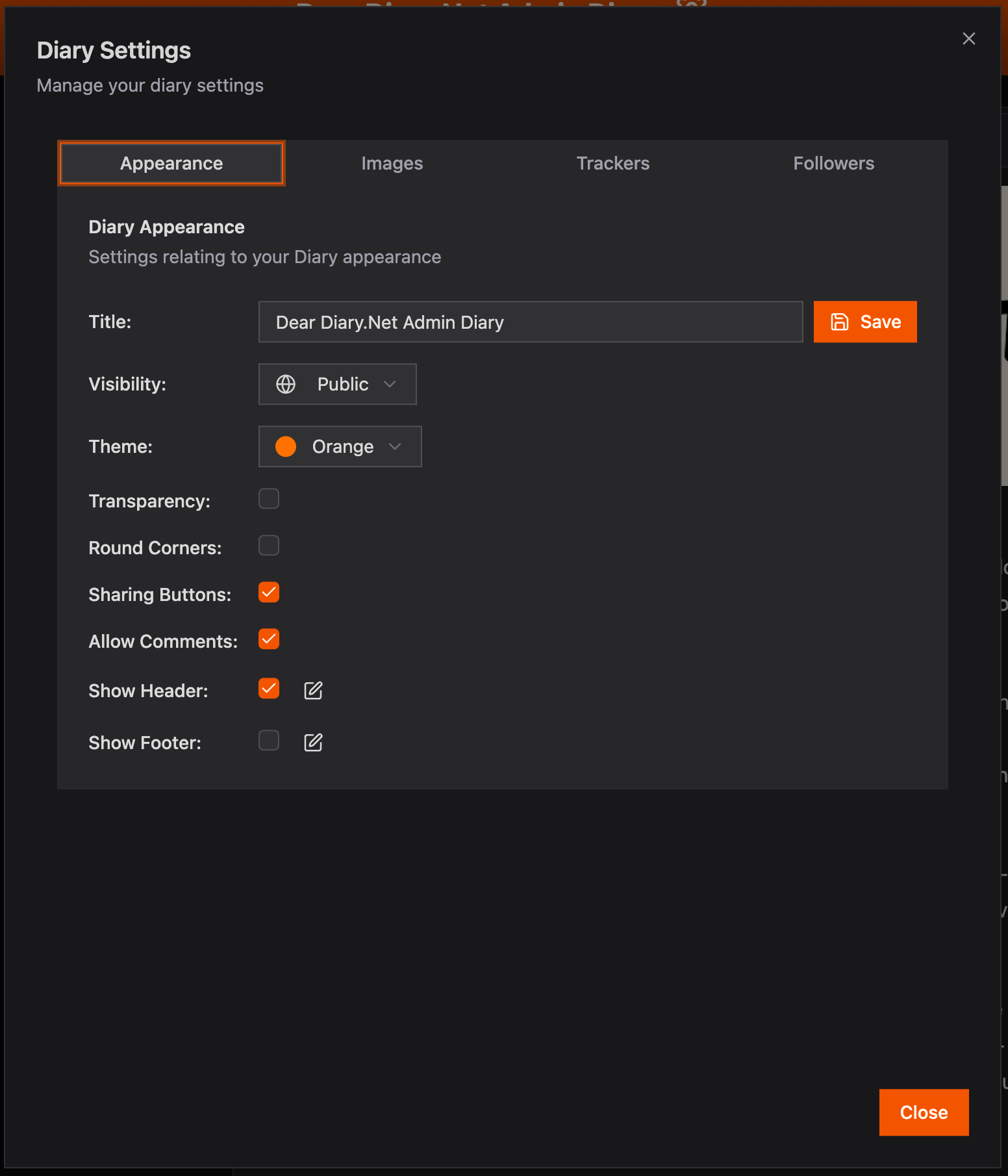
- Open Diary Settings (gear icon on your diary cover or dashboard).
- Go to the Appearance tab.
- Toggle Allow sharing buttons.
Because these buttons share the entry's public URL, they work the same way as a shareable link — anyone who follows a social share will be able to read the entry without logging in.