Notifications
The inbox icon in the header shows your unread notification count. Click it to open the notification inbox. On mobile, tap Inbox in the bottom navigation bar.

Notification types
| Type | When it fires |
|---|---|
| New follower | Someone follows your diary |
| New comment | Someone comments on your entry |
| Comment reply | Someone replies to your comment |
| New entry (as follower) | A diary you follow publishes a new entry |
| Mention | Someone mentions your username in an entry or comment |
| On This Day | Reminder of entries you wrote on today's date in past years |
| System | Announcements from DearDiary.Net |
Email delivery
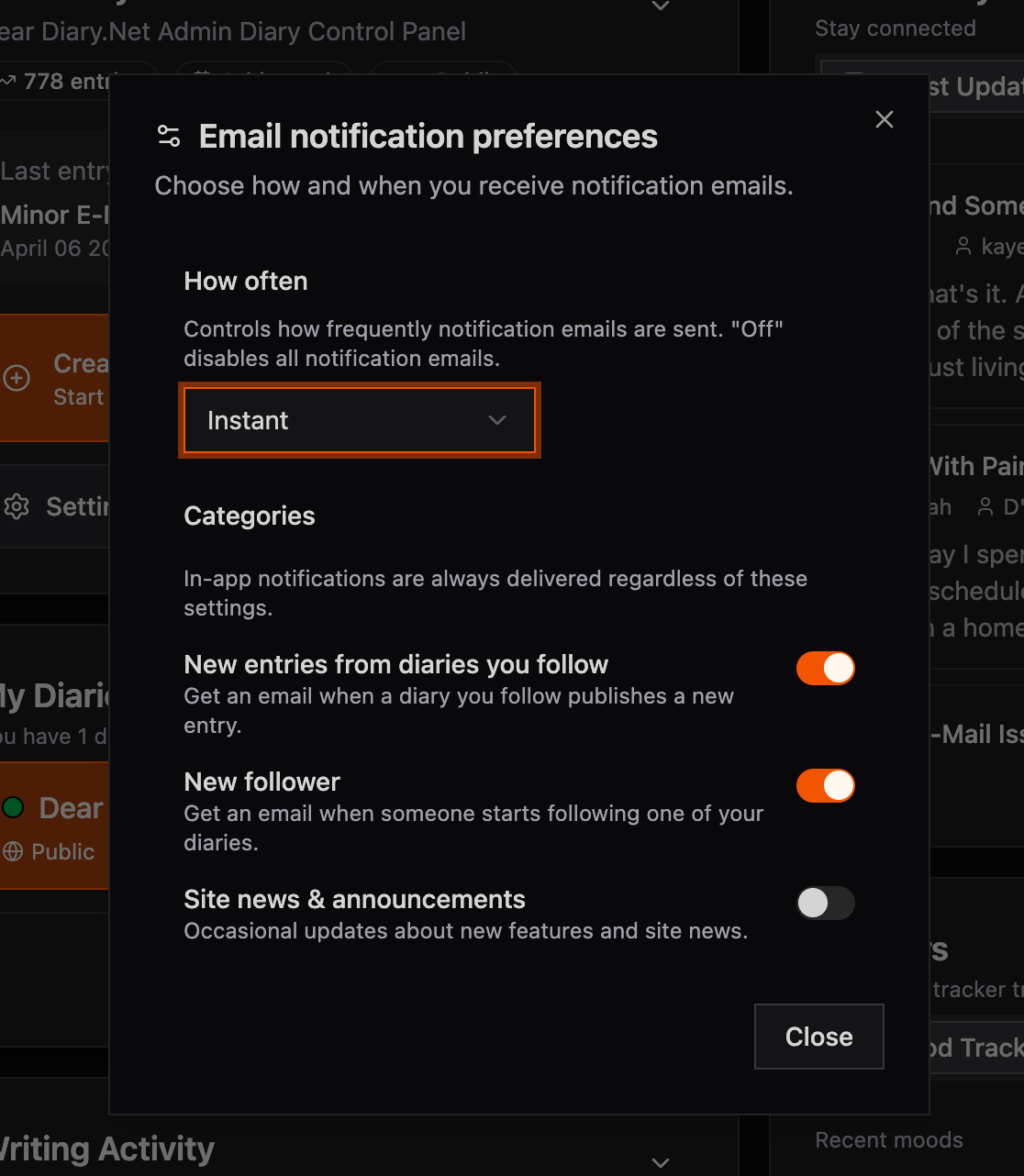
You can choose how often email notifications are sent:
- Instant — email sent immediately when the event occurs.
- Daily digest — one daily summary email (coming soon).
- Weekly digest — one weekly summary email (coming soon).
- Off — no notification emails.
Manage this via the in-app notification preferences dialog (inbox icon → Email preferences).